Repair damage
- Remove creases and scratches
- Smooth fold lines, cracks and surface scratches.
- Repair missing areas
- Reconstruct torn corners and holes from nearby details.
- Remove stains and noise
- Clean up dust, spots and scan noise.
Repair folds, scratches and missing corners. Bring faded details back into focus, colorize a black-and-white photo, or make a larger copy for printing.
JPG, PNG or WebP · Up to 20 MB
Genom att ladda upp en bild eller URL godkänner du våra Användarvillkor.
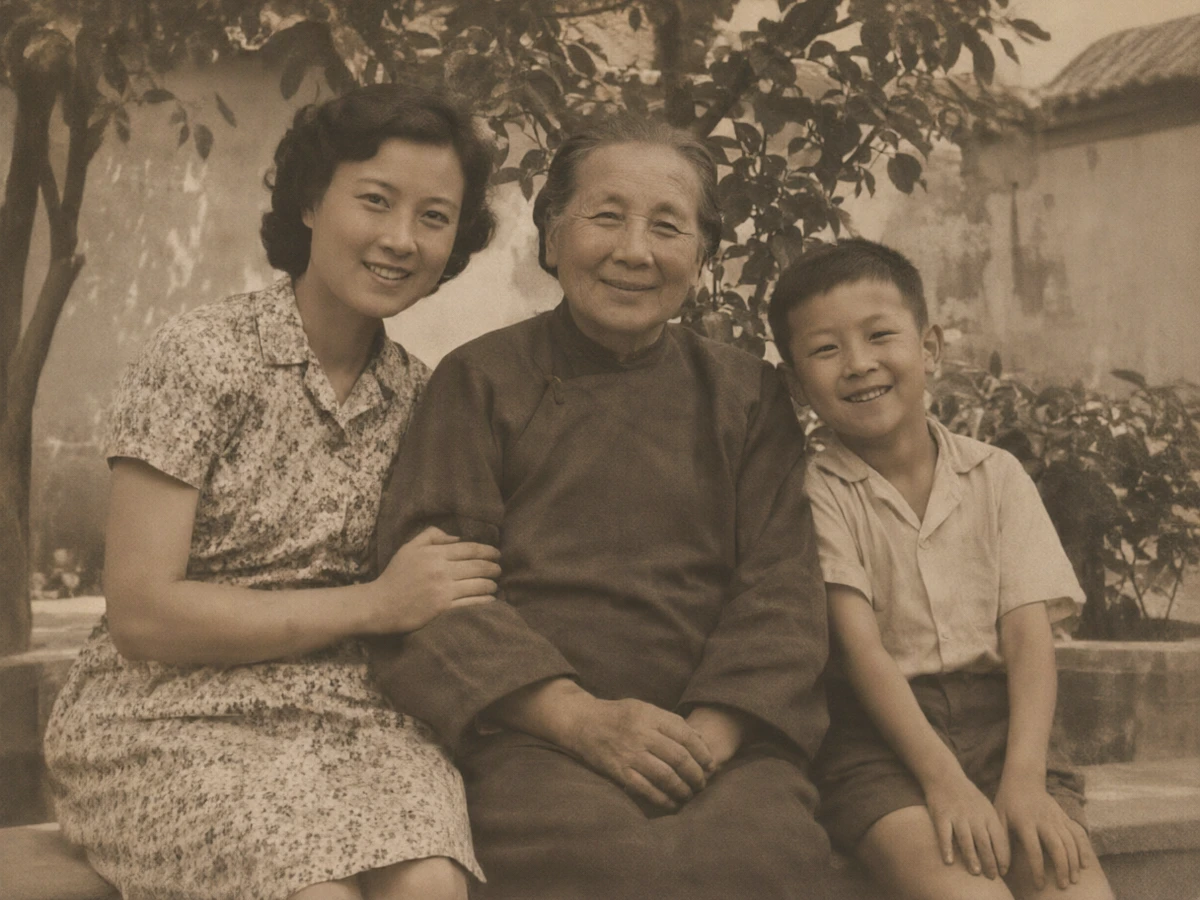
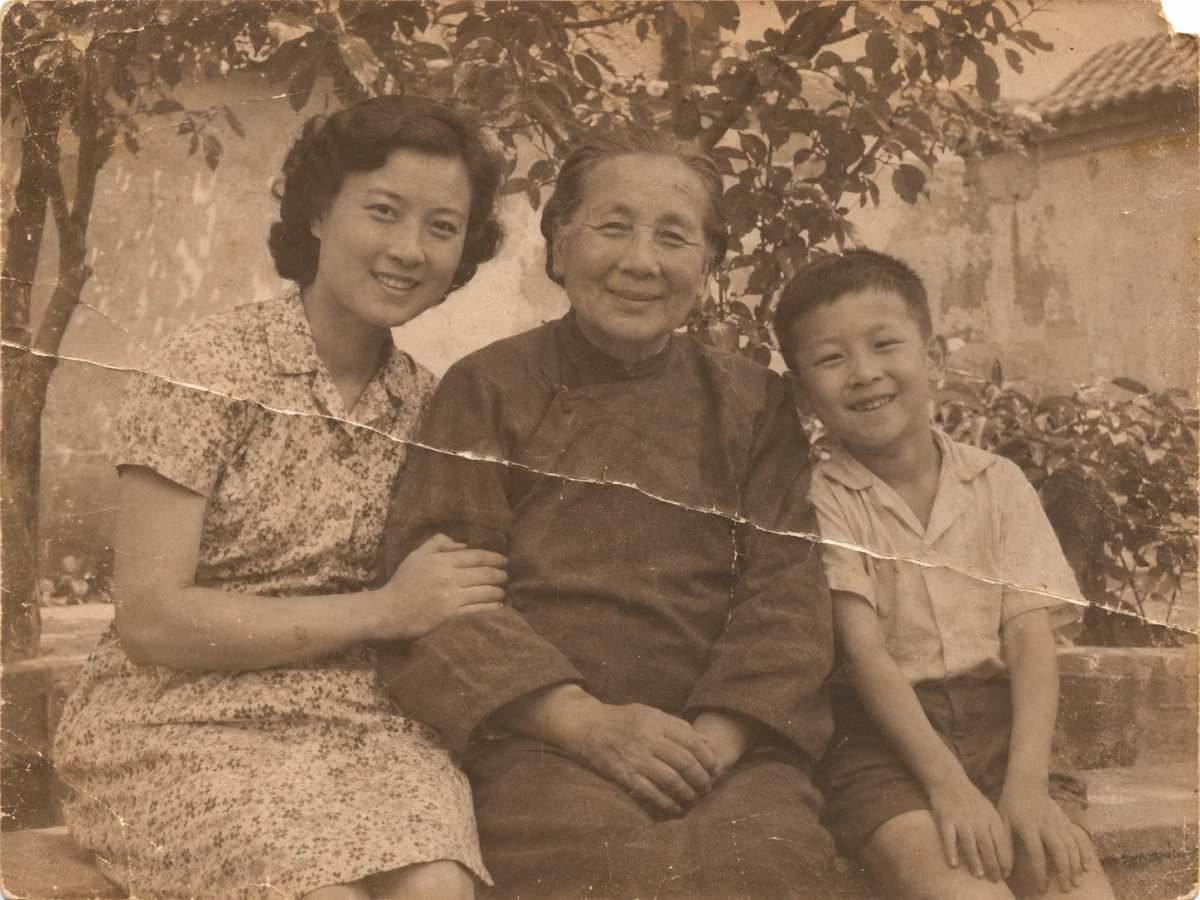 Original
Restored
Drag each slider to compare the original scan with the restored photo.
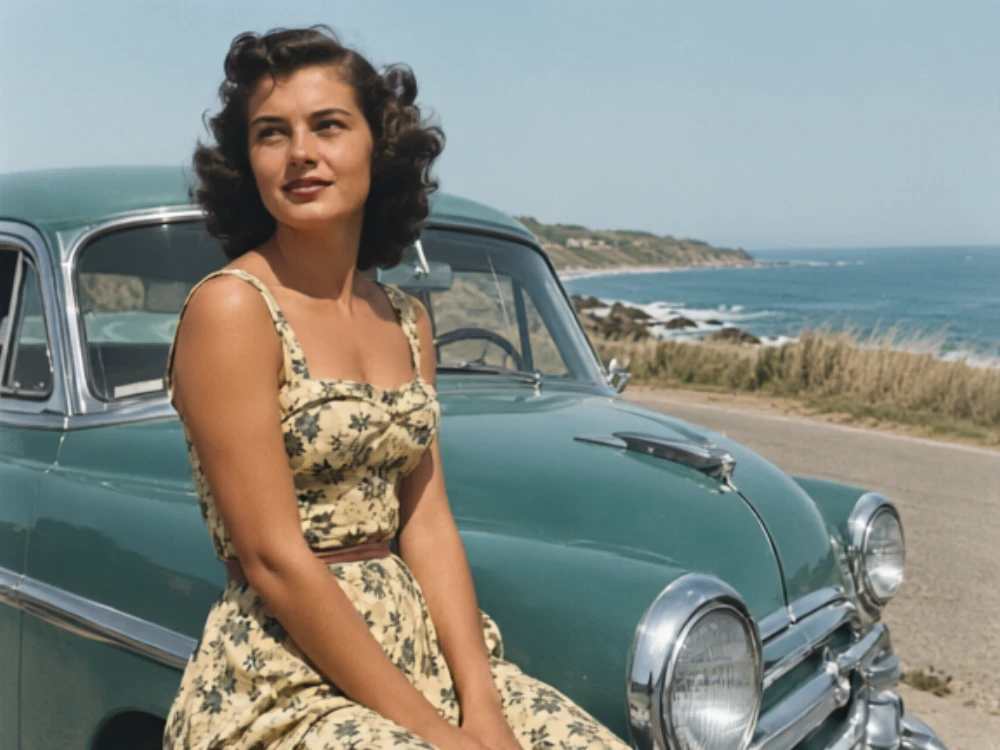
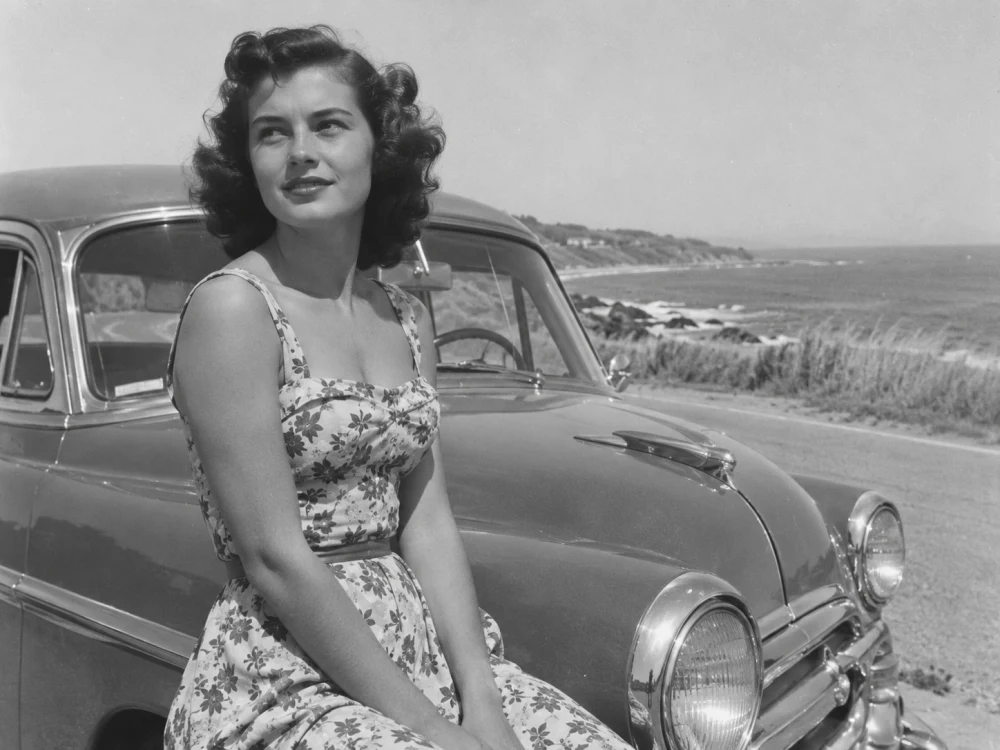 Original
Restored
Add color to skin tones, clothing, and the coastal scene.
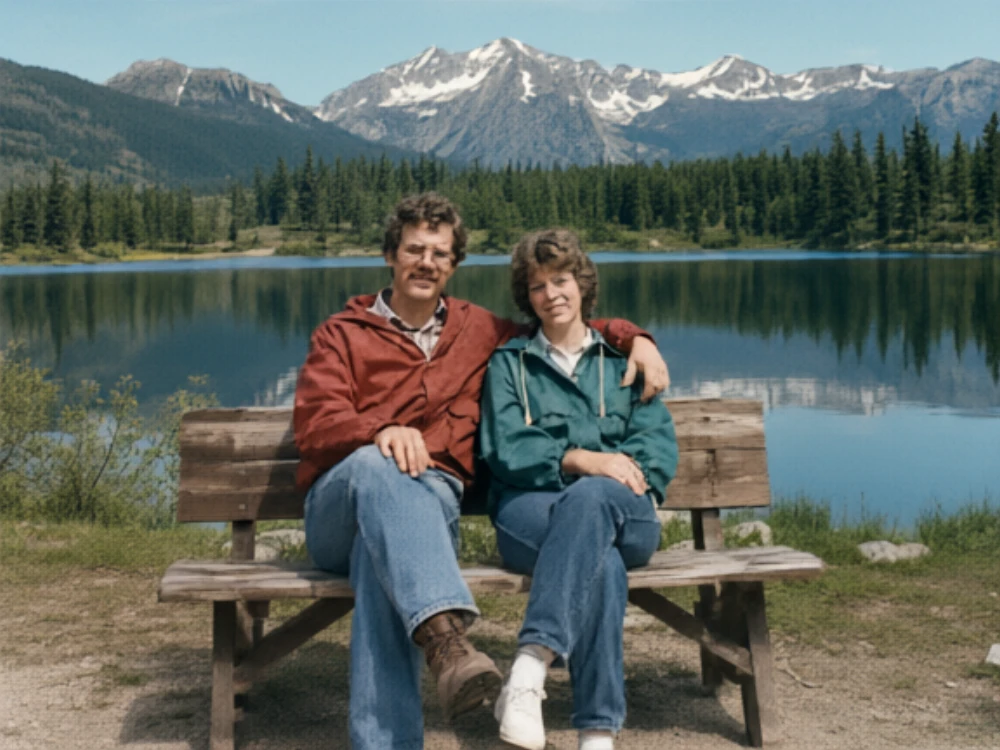
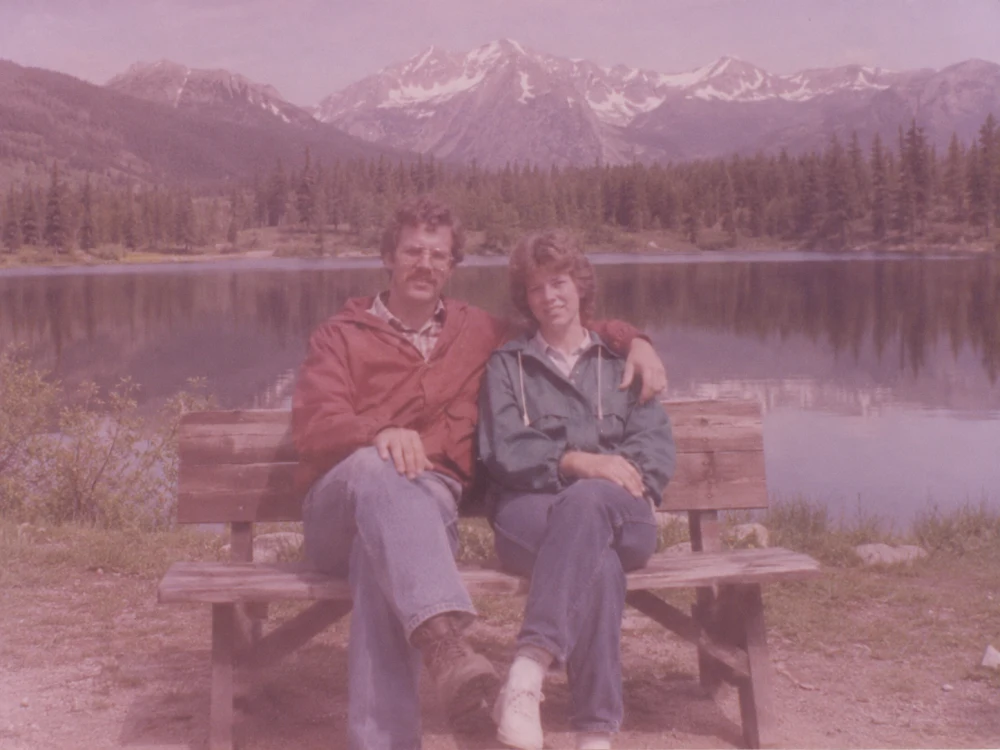 Original
Restored
Correct the color cast and bring out details in clothing and the landscape.
Choose one or more edits to apply to your original photo.
Upload a scan or a photo of the print to open the editor.
Select the repairs and enhancements you want, then start restoration.
Check the result against the original and save it as a PNG.
Lay it flat and scan it, or photograph it under even light with minimal glare. Include the full print and any damaged edges.
AI reconstructs missing areas using the visible photo as a reference. Inferred details and colors may differ from the original scene.
Leave colorization unchecked to keep the original monochrome tones while applying other repairs.
The PNG keeps the original dimensions by default. Selecting 2× enlargement doubles the width and height. 2× enlargement supports originals up to 4,000 px per side and 6.25 megapixels.
JPG, PNG or WebP · Up to 20 MB
 Copyright @ 2026 - Cloudsphere Innovation Limited. All rights reserved.